AtomicX Demo Site

A conversation. A clear next step.
Explore how a chat can move from a question to a booking, an answer, or the right person on your team.
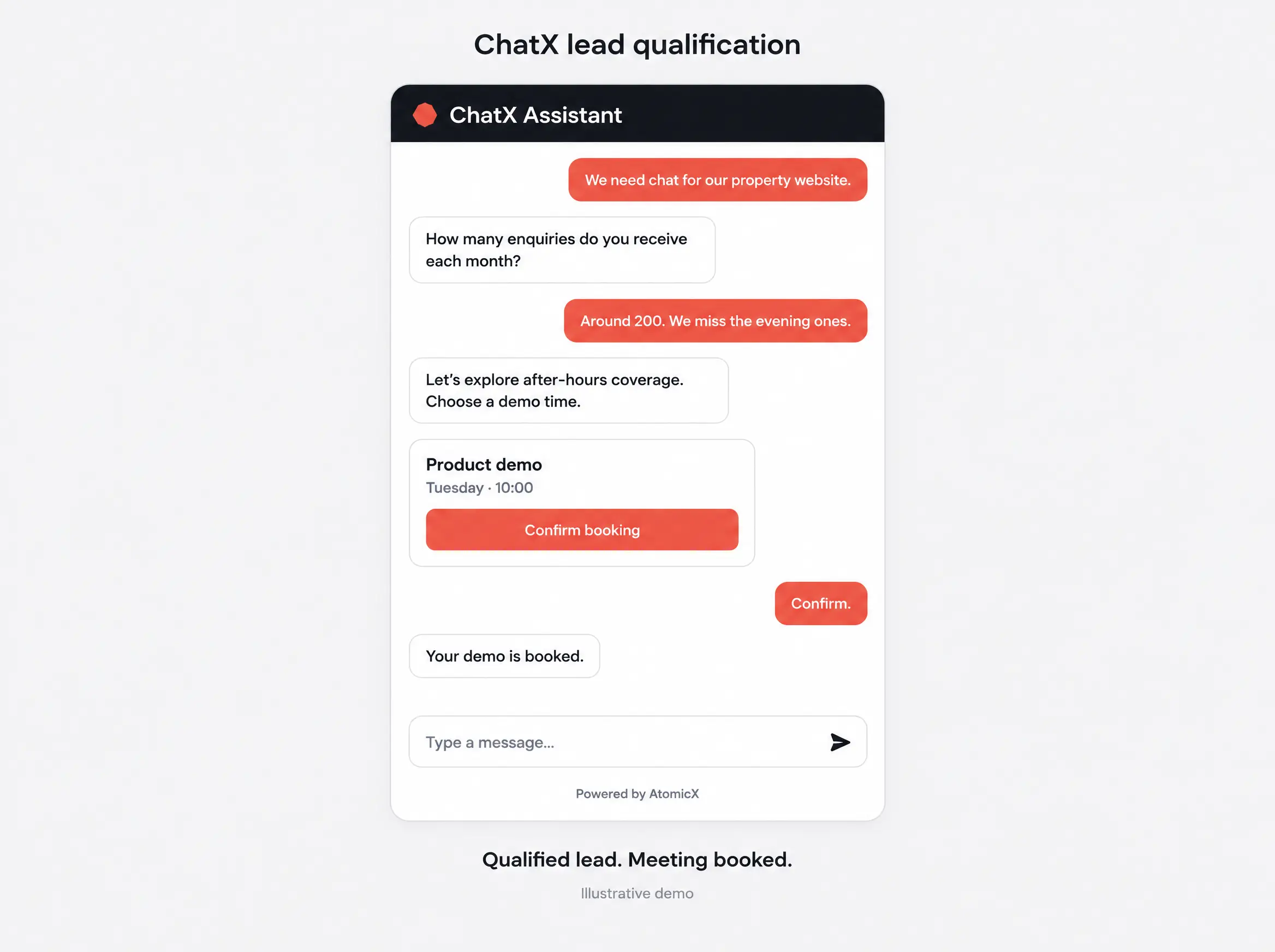
Qualified lead. Meeting booked.
Ask the right questions, understand the visitor’s needs, and move the conversation to a meeting.
Open full-size mockup (new tab)Read the conversation
Visitor: We need chat for our property website.
Assistant: How many enquiries do you receive each month?
Visitor: Around 200. We miss the evening ones.
Assistant: Let’s explore after-hours coverage. Choose a demo time.
Card: Product demo · Tuesday · 10:00 · Confirm booking
Visitor: Confirm.
Assistant: Your demo is booked.
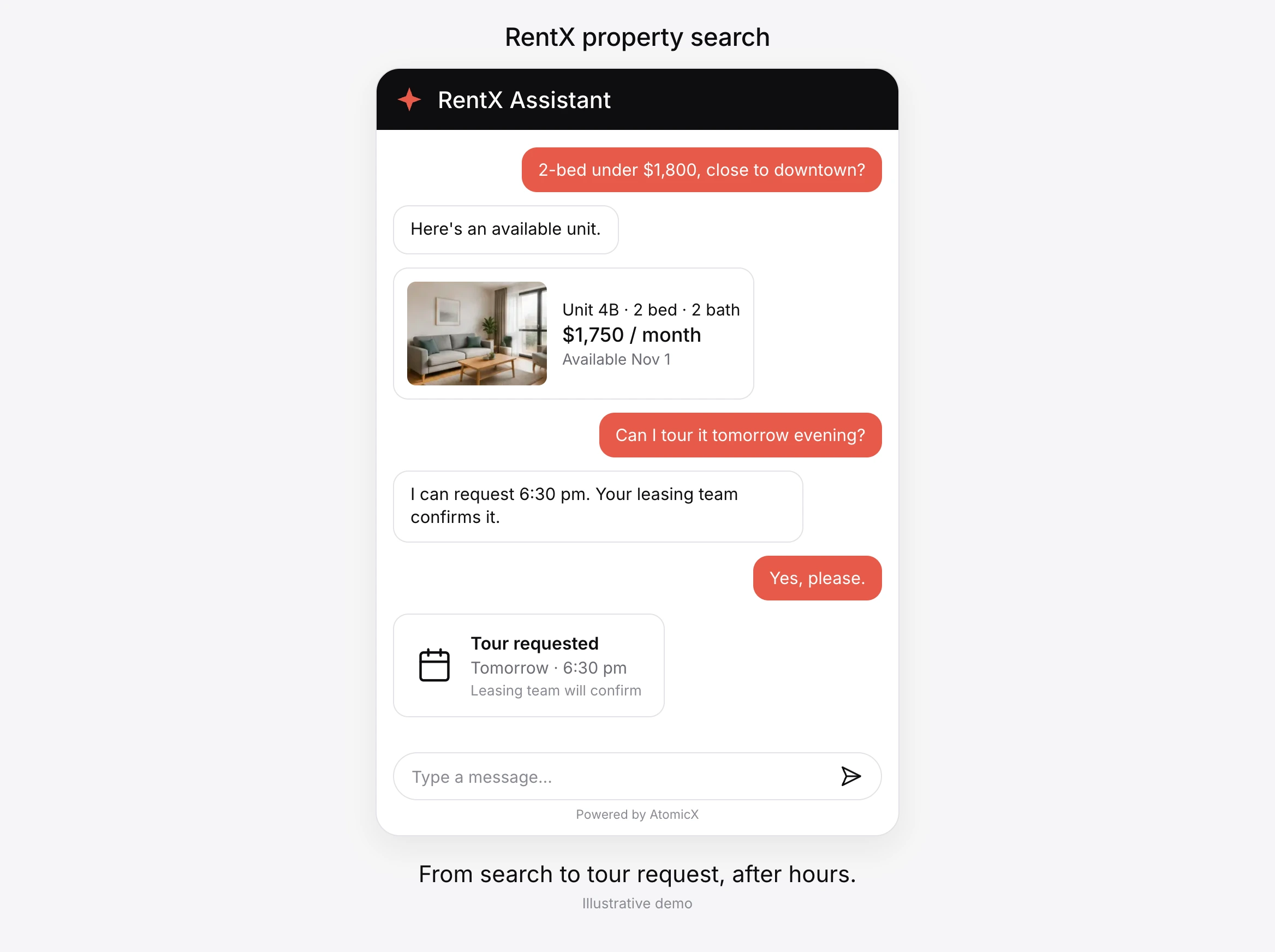
From search to tour request, after hours.
Help a prospective renter find an available unit and request a tour, even after the office closes.
Open full-size mockup (new tab)Read the conversation
Visitor: 2-bed under $1,800, close to downtown?
Assistant: Here's an available unit.
Property card: Unit 4B · 2 bed · 2 bath · $1,750 / month · Available Nov 1
Visitor: Can I tour it tomorrow evening?
Assistant: I can request 6:30 pm. Your leasing team confirms it.
Visitor: Yes, please.
Confirmation card: Tour requested · Tomorrow · 6:30 pm · Leasing team will confirm
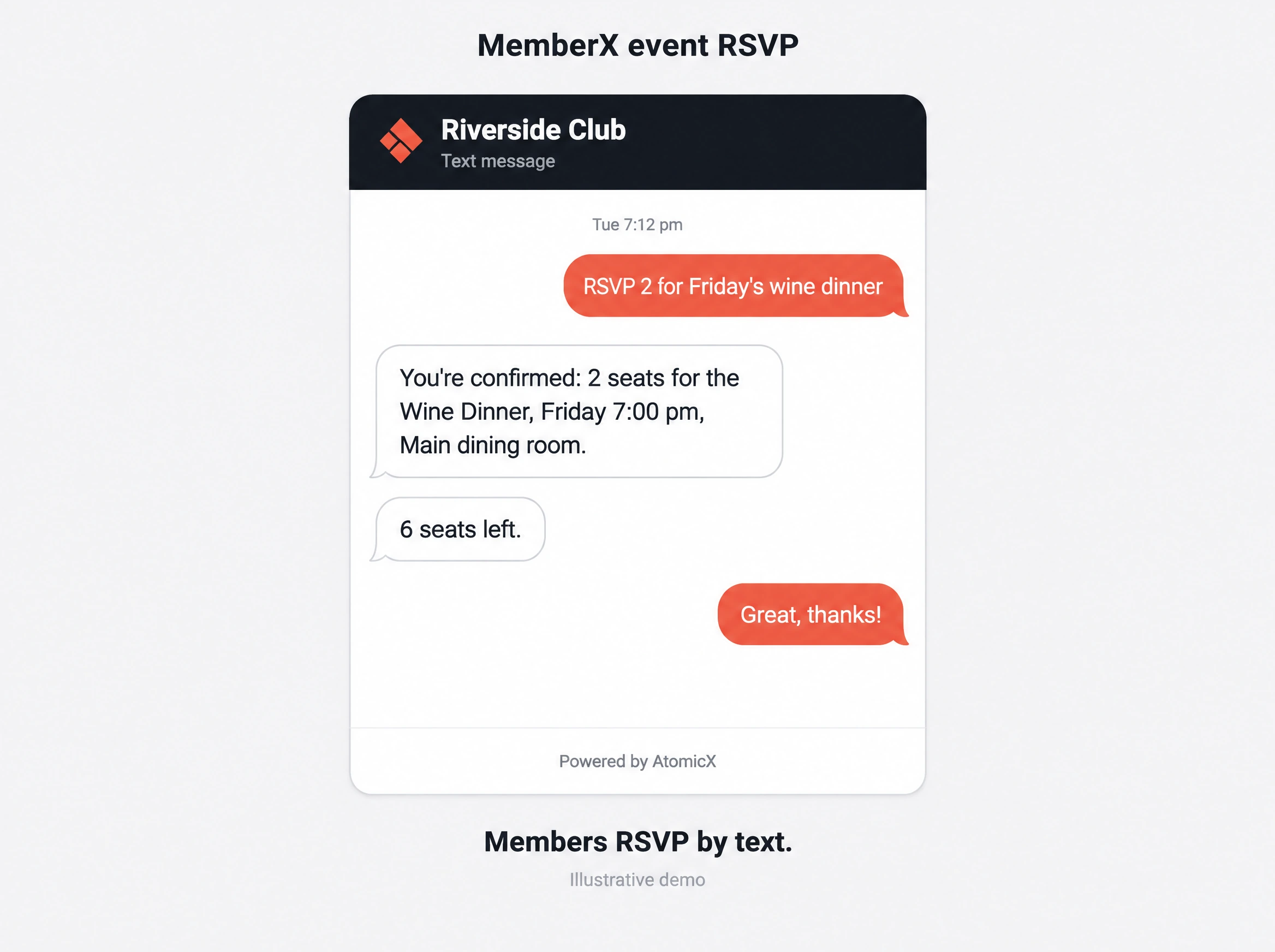
Members RSVP by text.
Members RSVP by text. The agent checks capacity and confirms their place.
Open full-size mockup (new tab)Read the conversation
Member: RSVP 2 for Friday's wine dinner
Club: You're confirmed: 2 seats for the Wine Dinner, Friday 7:00 pm, Main dining room.
Club: 6 seats left.
Member: Great, thanks!
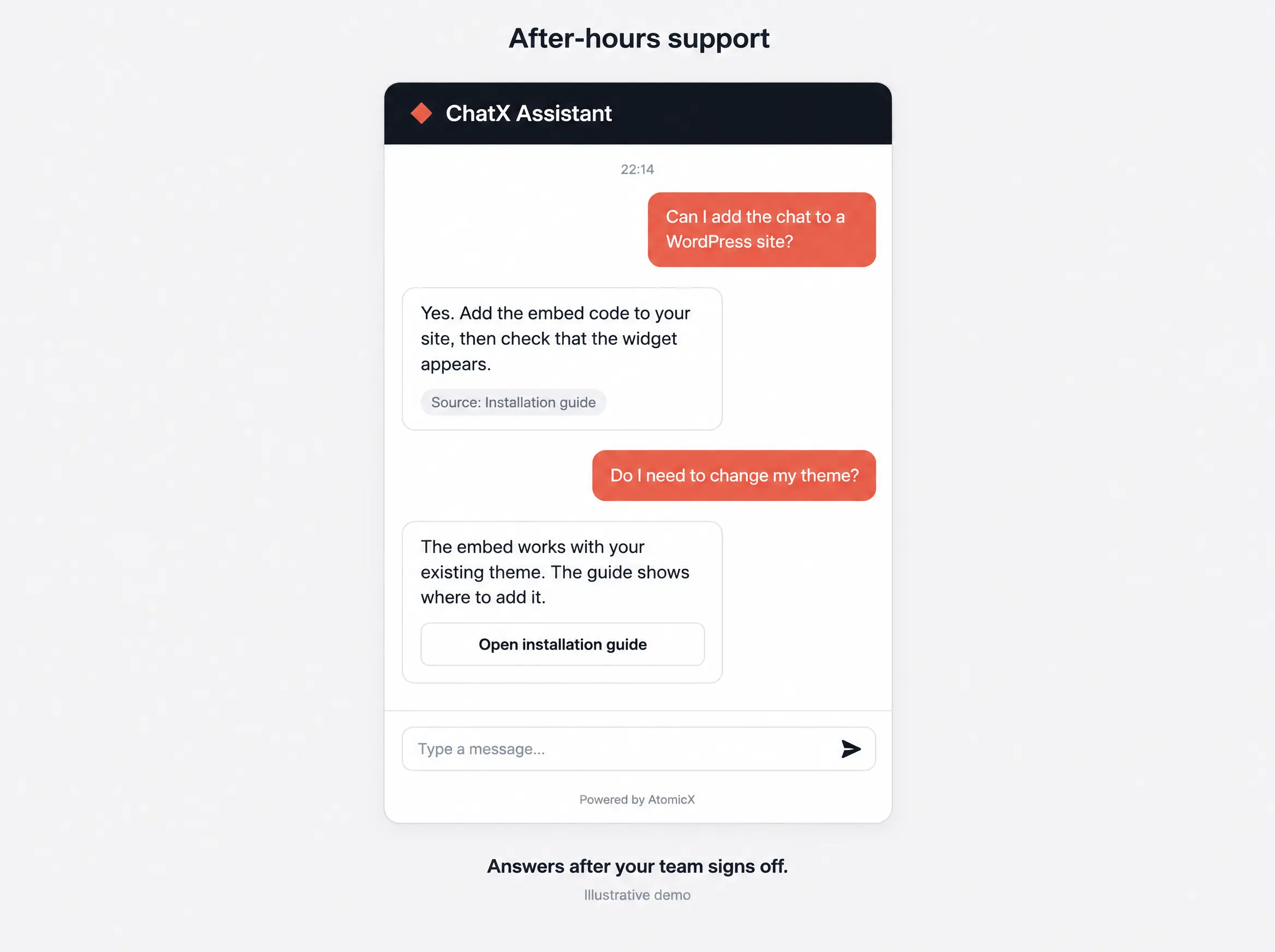
Answers after your team signs off.
Answer a visitor’s setup questions and point them to the relevant guide.
Open full-size mockup (new tab)Read the conversation
Small time label: 22:14
Visitor: Can I add the chat to a WordPress site?
Assistant: Yes. Add the embed code to your site, then check that the widget appears.
Source chip: Source: Installation guide
Visitor: Do I need to change my theme?
Assistant: The embed works with your existing theme. The guide shows where to add it.
Button: Open installation guide
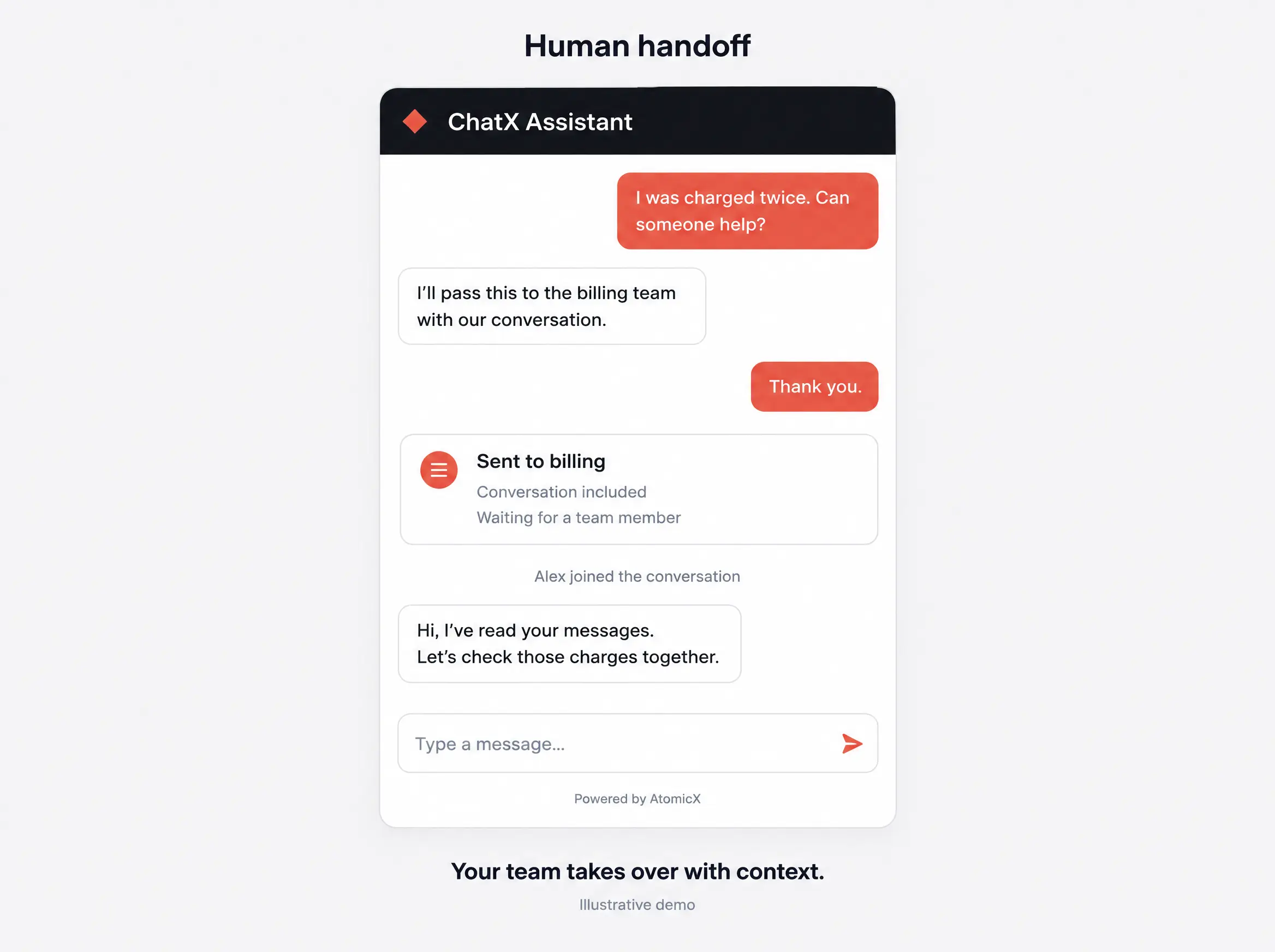
Your team takes over with context.
Bring a teammate into the conversation with the context already attached.
Open full-size mockup (new tab)Read the conversation
Visitor: I was charged twice. Can someone help?
Assistant: I’ll pass this to the billing team with our conversation.
Visitor: Thank you.
Handoff card: Sent to billing · Conversation included · Waiting for a team member
System label: Alex joined the conversation
Alex: Hi, I’ve read your messages. Let’s check those charges together.
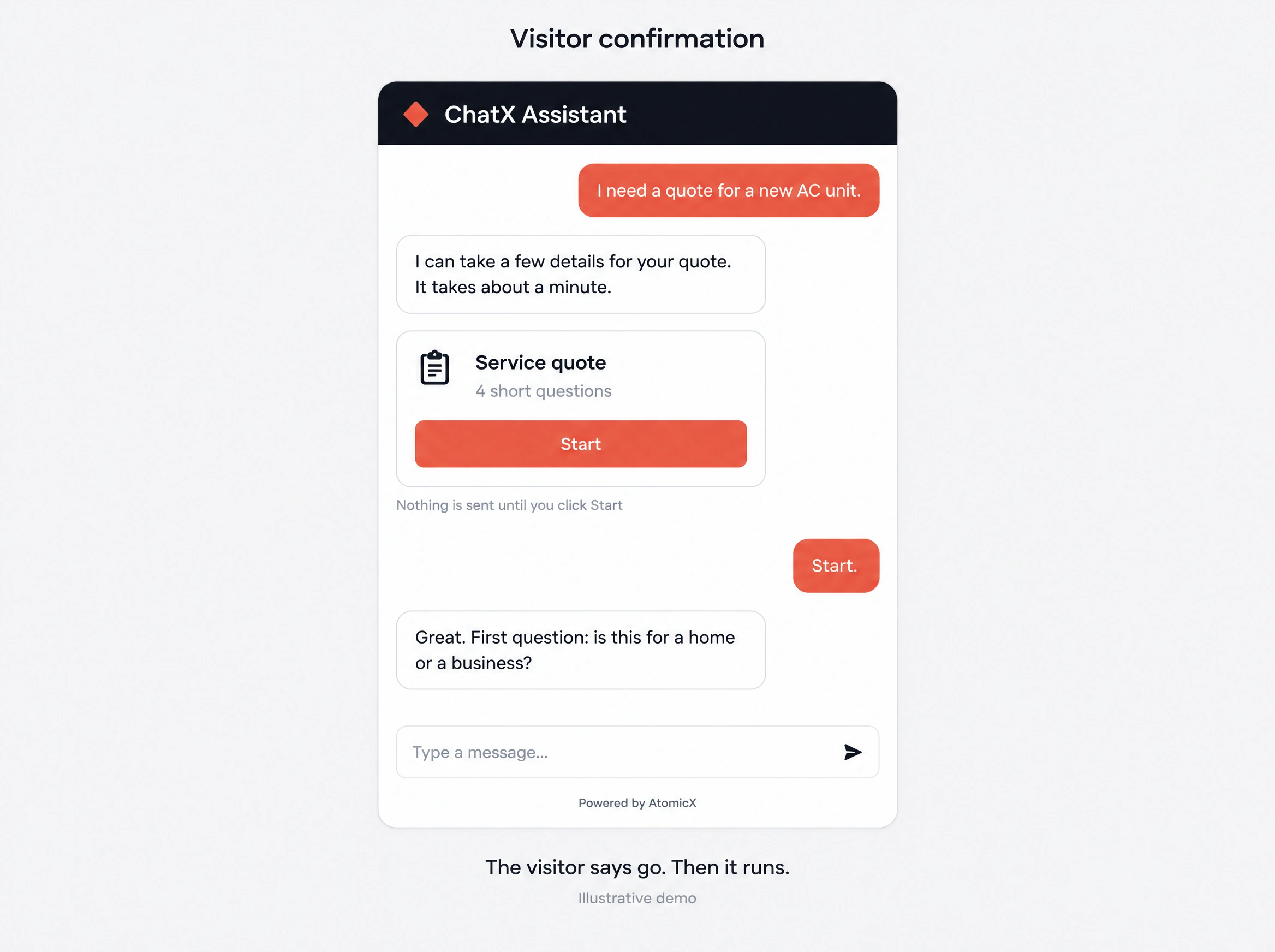
The visitor says go. Then it runs.
The agent offers a form, but nothing runs until the visitor clicks Start.
Open full-size mockup (new tab)Read the conversation
Visitor: I need a quote for a new AC unit.
Assistant: I can take a few details for your quote. It takes about a minute.
Form card: Service quote · 4 short questions · Start
Status label: Nothing is sent until you click Start
Visitor: Start.
Assistant: Great. First question: is this for a home or a business?
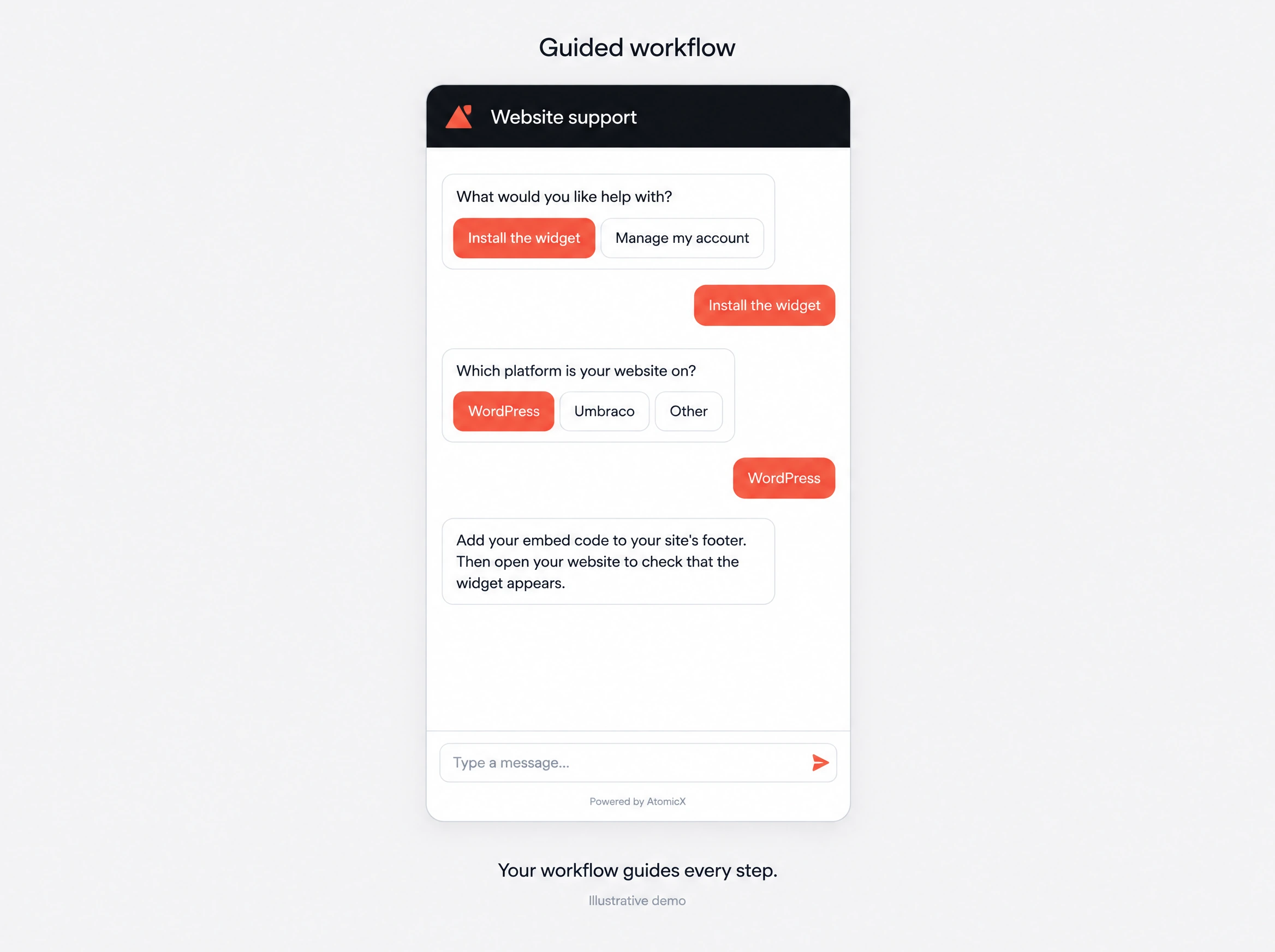
Your workflow guides every step.
Predefined questions and answer buttons guide visitors to the right instructions. No AI agent required.
Open full-size mockup (new tab)Read the conversation
Workflow: What would you like help with?
Answer buttons: Install the widget · Manage my account
Visitor: Install the widget
Workflow: Which platform is your website on?
Answer buttons: WordPress · Umbraco · Other
Visitor: WordPress
Workflow: Add your embed code to your site's footer. Then open your website to check that the widget appears.
Illustrative demos with fictional data. Available actions depend on your setup and connected systems.
What it does. What it won't.
It does
- Answers questions from your website and knowledge base.
- Qualifies leads and sends them to HubSpot, Slack, or any tool via webhook.
- Takes booking requests for your team to accept.
- Hands off to your team with the full conversation, in Slack or the mobile app.
It won't
- Issue refunds or change orders. Store access is read-only.
- Confirm a booking without your team.
- Run a form or workflow until the visitor clicks Start.
- Bill you overage. At your limit, chats go to your team.
Paramount Properties reports about 80% more website leads since adding ChatX. Their busiest chat hour is 7pm, after the leasing office closes.